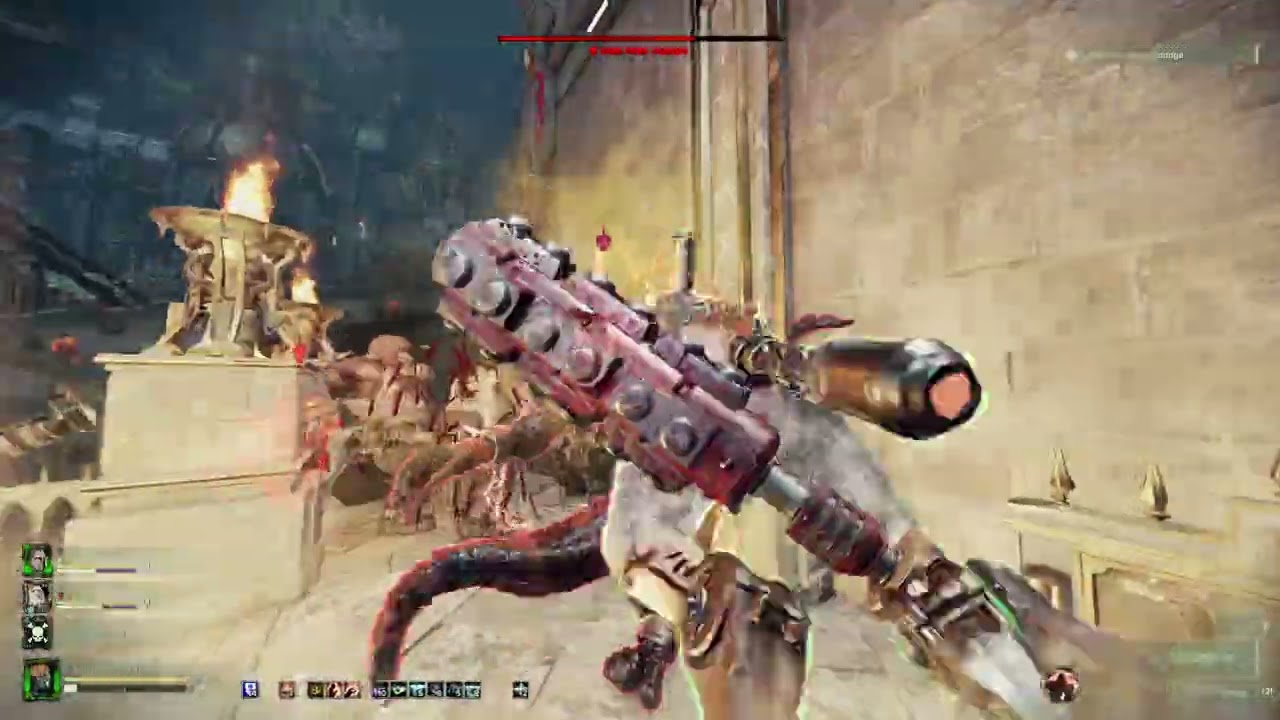
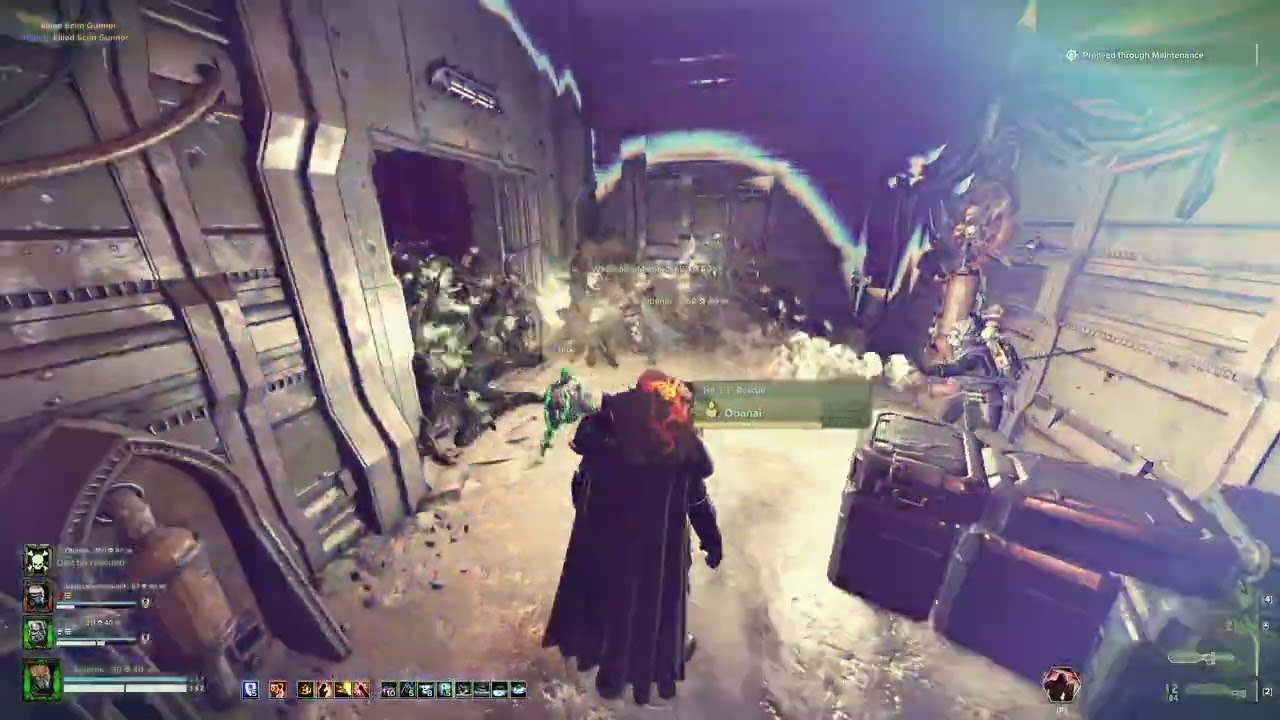
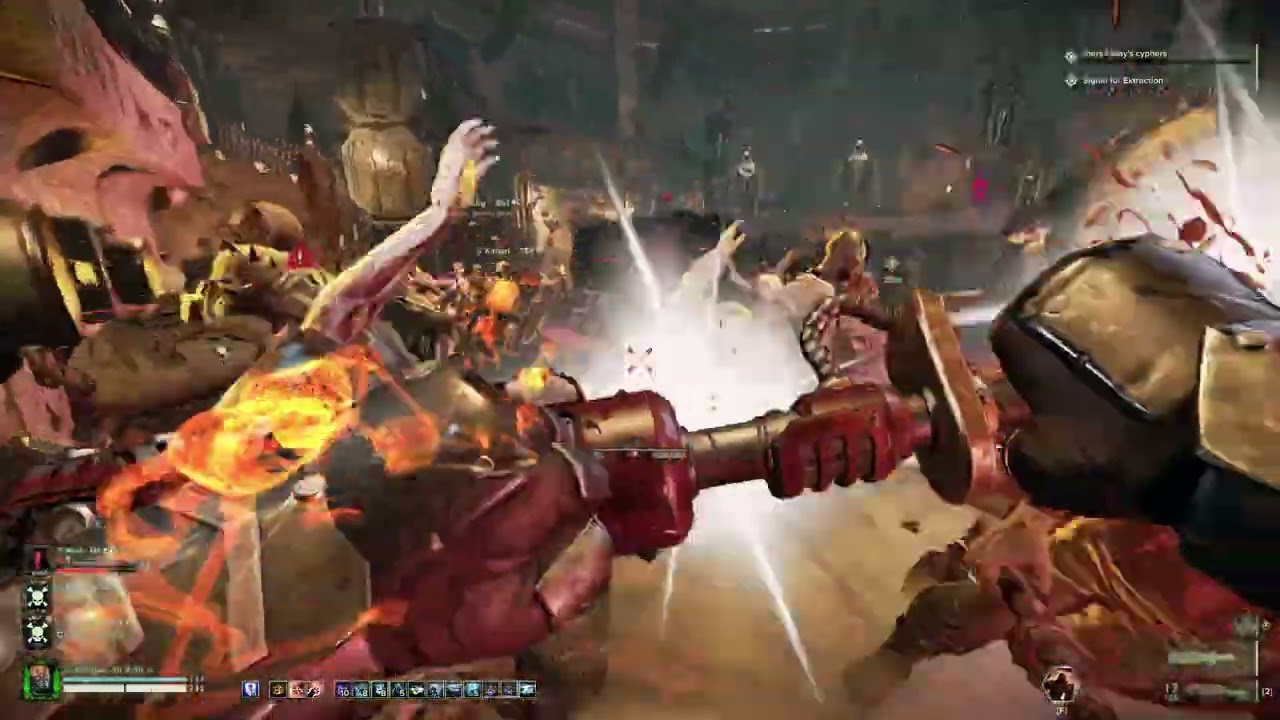
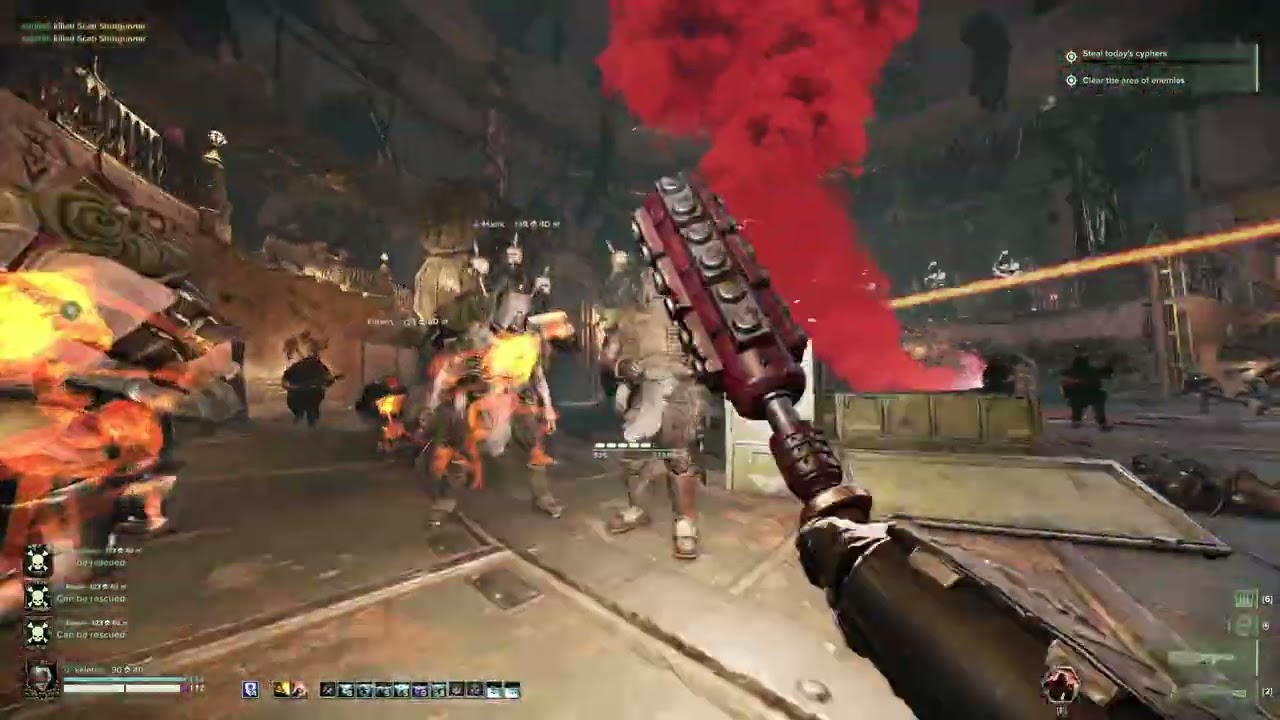
Been playing on hong kong server with 250ping in non of the game we crushed even thought i was playing with the dog .
It could be possible that having 1 player with high ping(200 ping) might prevent error 2014 from happening in the first place.
nvm it also apply when someone have a lot of ping.
Ok, I’ve tested the “It’s the dog hypotesis” and I second it. EDIT:: no way, just tried without any dogs: again lags and disconnects!
We tried with …we tried without, we also tried a private game starting with, we both disconnected.
Then we tried a second private game WITH the dog, at the first signs of heavy lags one left mission, got rid of the damned dog and got in again, then the second player did the same and went back in WITHOUT the dog. BTW when I say we got rid of the dog I mean we put back the only one talent point we first took off the same profile (“Lone Wolf“), in order to reduce variables.
Just happened to me and the whole team once again. Playing a really solid h40 game with a strong team and of course our game gets destroyed by this horrible bug.
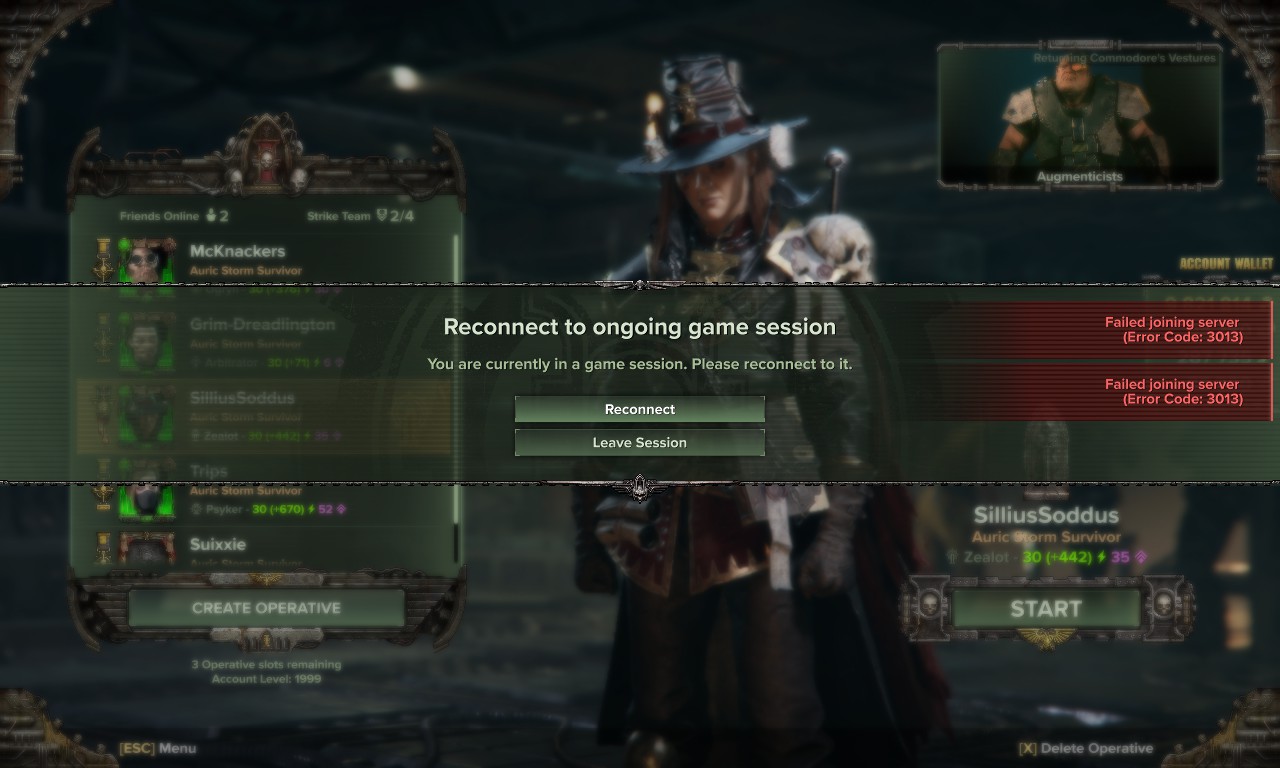
There was an Arbites with a dog fyi. We were playing the same map again: arena. And it happened in exactly the same ‘area’ again. Where you go down 1 level via the lift in the brewery. We had just arrived out the lift in the lower level of the brewery next to the medicae. All enemies and actions disconnect (everything keeps running in the trajectory it was last going) then all players kicked to character selection. Game asks us if we want to reconnect. We click yes and it fails 2 times then says game is aborted. H40 game lost. Right at the goddamn end after 45 mins of sweats. It’s really quite a painful bug.
We all quit the game because we’re too deflated to carry on.
WiFi connection to my router - no stutters or drops in connection speed.
Occurs about 70% of the time - unable to access the ship, or unable to access missions once on the ship, or unable to access the starting cutscene “We Are Warriors” because that apparently is a mission that needs a connection too.
No mods installed. Did install the single player mod for practice but that changed it from 70% to 100% connection fails, so it was uninstalled. Back to 70% again.
Tried with VPN and, while it didn’t make it better, it also didn’t make it any worse.
I was getting these errors long before the dog was even in the game. I’ve gotten them after arbites patch without having arbites in the mission. One spot for me was Chasm Logistratum just before the last area where you collect the 5 batterys then extract. We’d DC as the game was either loading / spawning a horde on the other side of the still closed door. Lost two havoc tries in a row, same map back to back. everyone was up and we weren’t even fighting
I’ll have to start saving more logs if it will help because this has been happening more and more the higher in havoc I’ve climbed. If /when I stop playing this game its going to be because of how many 2014 full match disconnects caused me to go down in havoc rank in a mission we are slated to win, its ruining endgame content for me
I was getting this errors like a year ago. They lasted for 1-2 months and then disappeared.
Then arbites came out. Everything was fine until a certain patch after arbites release and it all went south, again.
At this point I wonder if FS were actually aware of the real cause of the problem a year ago or if the fix was randomly obtained tinkering the code here and there until… miracle…
2014 error after starting end event on HL 70 04, on IIIVEG auric maelstrom. Booted all players from mission and couldn’t rejoin.
Playing on PC, Microsoft Store version
US East, ISP is Twin Lakes
Wired connection
Isn’t a consistent issue necessarily, because it happens on different maps/modifiers and has happened at random times of the day, but it has consistently been an ongoing issue for a long time now.
I do have and use mods, but I don’t think this instance is mod related.
One of the players in the lobby was on Playstation, and they disconnected first and even typed it into the chat “Dc” before fully disconnecting, then shortly after that I was disconnected, and presumably the rest of the squad as well. And once back to the character select screen I tried to reconnect multiple times but it failed and said the mission was aborted.
At last wave of damnation mortiis trial with my lad and got booted to bugs again. Hope next patch sorts this most of all. No crash logs recorded so I attached console log.
I am trying to play dark tide on my work computer during my lunch break, however the work firewall is blocking something and our IT team can not work out who is getting blocked or what is getting blocked. We have unblocked everything obvious like the ports and adresses its requesting from my machine - alas nothing seems to work.
Curiously, the game works on my machine when i play through gamepass, but not through steam. My account is on steam however, so i would like to play there…
Additional context if its even remotlety relevent, we are also a game development studio
Here is my log from my latest attempt
<>Entering Game State StateTitle<>
<>
11:52:07.591 [Lua] INFO [ConstantElementLoading] State changed → StateTitle
11:52:07.591 [Lua] INFO [ConstantElementOnboardingHandler] State changed → StateTitle
11:52:07.692 [Lua] INFO [ScriptWorld] Registering level named: “content/levels/ui/title_screen/title_screen” with id: 1
11:52:08.760 [Lua] INFO [StateTitle] Changing state idle → account_signin
11:52:08.760 [Lua] INFO [StateTitle] Changing state account_signin → signing_in
11:52:08.793 error: [Backend] Auth operation 1 error: 1001 Steam not available
11:52:08.810 warning: [Lua] WARNING [ErrorManager] Error “SignInError”
stack traceback:
scripts/managers/error/error_manager.lua:32: in function ‘_log_error’
scripts/managers/error/error_manager.lua:139: in function ‘report_error’
Attempted Solutions (Optional):
Tested Gamepass version and worked
Tried unblocking requested traffic from machine in the firewall
Running admin
Verifying Files
Restarting
other games are working on our network too, usually, if they have a firewall issue they can be resolved but we have been tryng for 2 months now
cannot play at all ,as soon as i select start it crashes saying
error 2011 server disconnected
been same for nearly 4 weeks , its ridiculous now
show not much effort is being put into it !!!
@lozza72 I think your issue is more likely related to a version mismatch of some sort. I’d recommend a clean re-installation of Darktide using the instructions below.
In addition, please ensure the Steam client is up-to-date, and always launch Darktide via the Steam client (as opposed to directly through the .exe).
Lastly, please make sure your Anti-Virus/Firewall isn’t quarantine anything pertaining to your Darktide installation.
Step 1: Disable Steam Cloud Saving
If Steam Cloud saving is enabled for Darktide, this may automatically restore the AppData and consequently cause the issue to resurface.
Navigate to your Steam library
Right-click Darktide
Select ‘Properties’
On the ‘General’ tab, scroll down to ‘Steam Cloud’
Disable ‘Keep game saves in the Steam Cloud for Warhammer 40,000: Darktide’
Step 2: Delete AppData
NOTE: By deleting your AppData, your loadouts custom keybindings will be reset. You may wish to make a back-up of the directory in the event deleting your AppData does not work to resolve the issue.
Press the Windows key + R
Enter %appdata% within the search input and select ‘OK’