same. just started today for me to wen trying to log in and get the wolf gifts.
Same, even VPN don’t solve this issue.
Issue Type (Required):
Error - SERVER ERROR
Issue Description (Required):
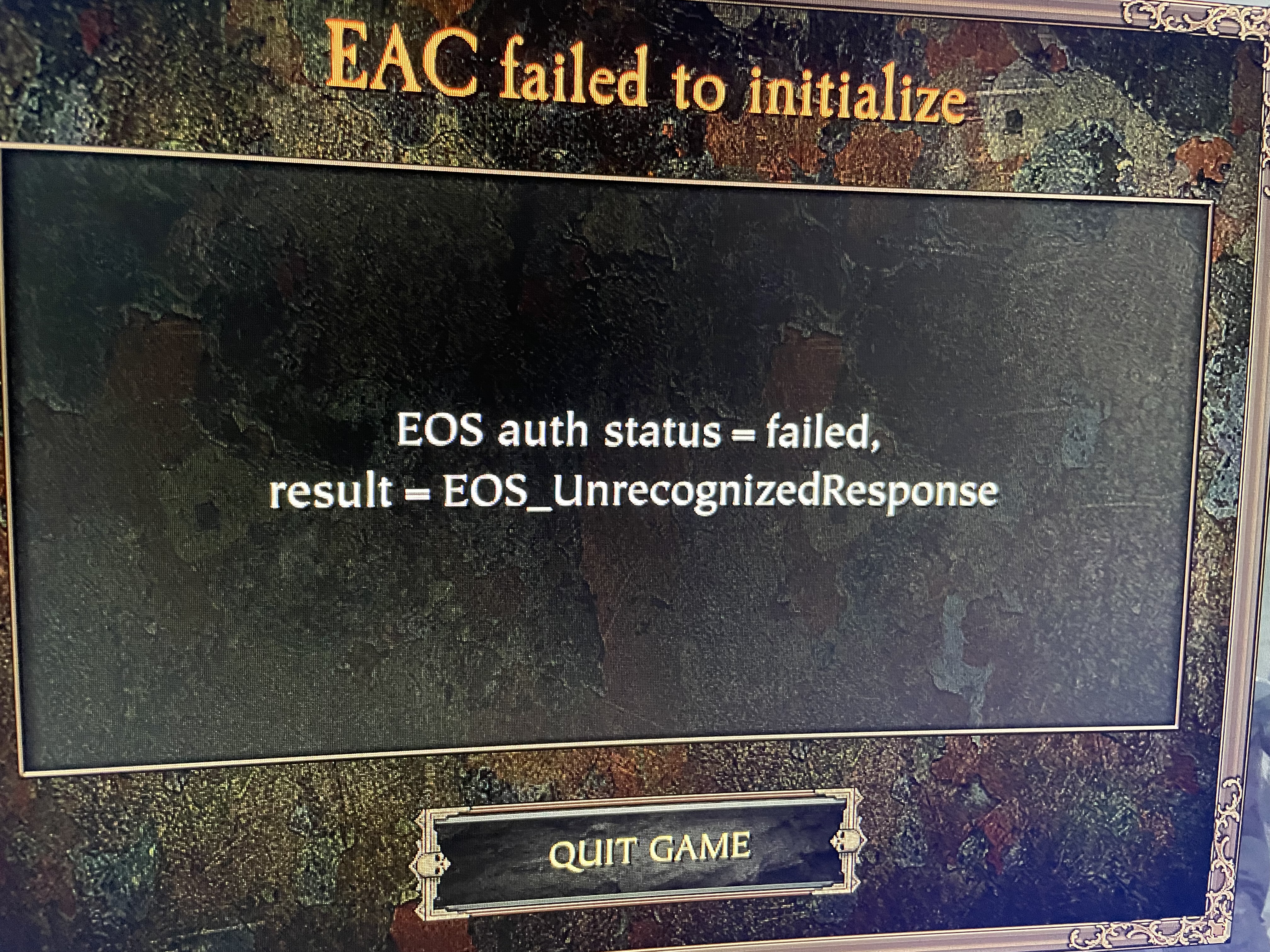
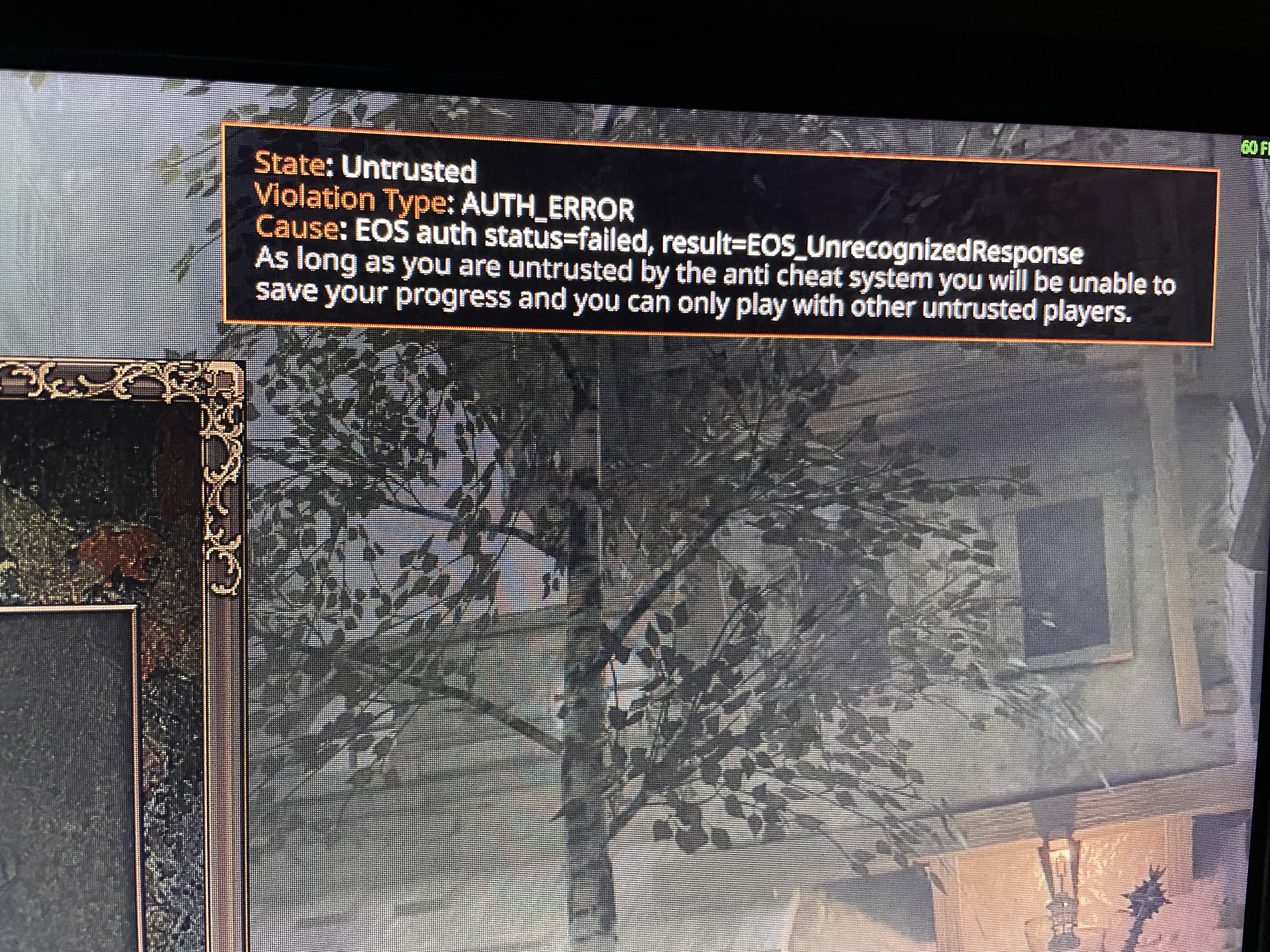
[EOS auth status=failed, result=EOS_UnrecognizedResponse] Keep getting this error non-stop when trying to start vermintide 2. Stops me from being able to play. At least 3 of my friends are having the same problem tonight.
[PC] Do You Use Mods? (Optional):
No, I don’t use mods
Reproduction Rate (Required):
Constant (100%)
Platform (Required):
Steam (PC)
Upload Supporting Evidence (Optional):
console-2025-12-25-06.14.01-dd723ad1-ba83-4dff-a341-a0b52ba6c79f.log (127.2 KB)
I checked and it seems to be Epic Games GameServices Authentication is having a Major outage. It is not a Fatshark problem its a Easy Anti-Cheat server problem. Smh
It seems they fixed it and if not for you, try to disable steam overlay.
Issue Type (Required):
Other
Issue Description (Required):
I’m getting the error from the screenshot when I lunch the game. Never seen it before, I don’t use mods.
[PC] Do You Use Mods? (Optional):
No, I don’t use mods
Reproduction Rate (Required):
Constant (100%)
Platform (Required):
Steam (PC)
Upload Supporting Evidence (Optional):

Same problem, Just made my own post about it. Looked through my console log and I keep seeing a Lockout warning from api.epicgames.dev/auth/v1/oauth/token ←This thing. Guessing EOS API is cooked again. EDIT: Its epic game Game-services Authentication servers. They are having a major outage again.
So even if I own the game on steam, epic games can f**k up my game? great
Try to disable steam overlay.
do you have reshade installed on the game?
Update: The problem is fixed now somehow