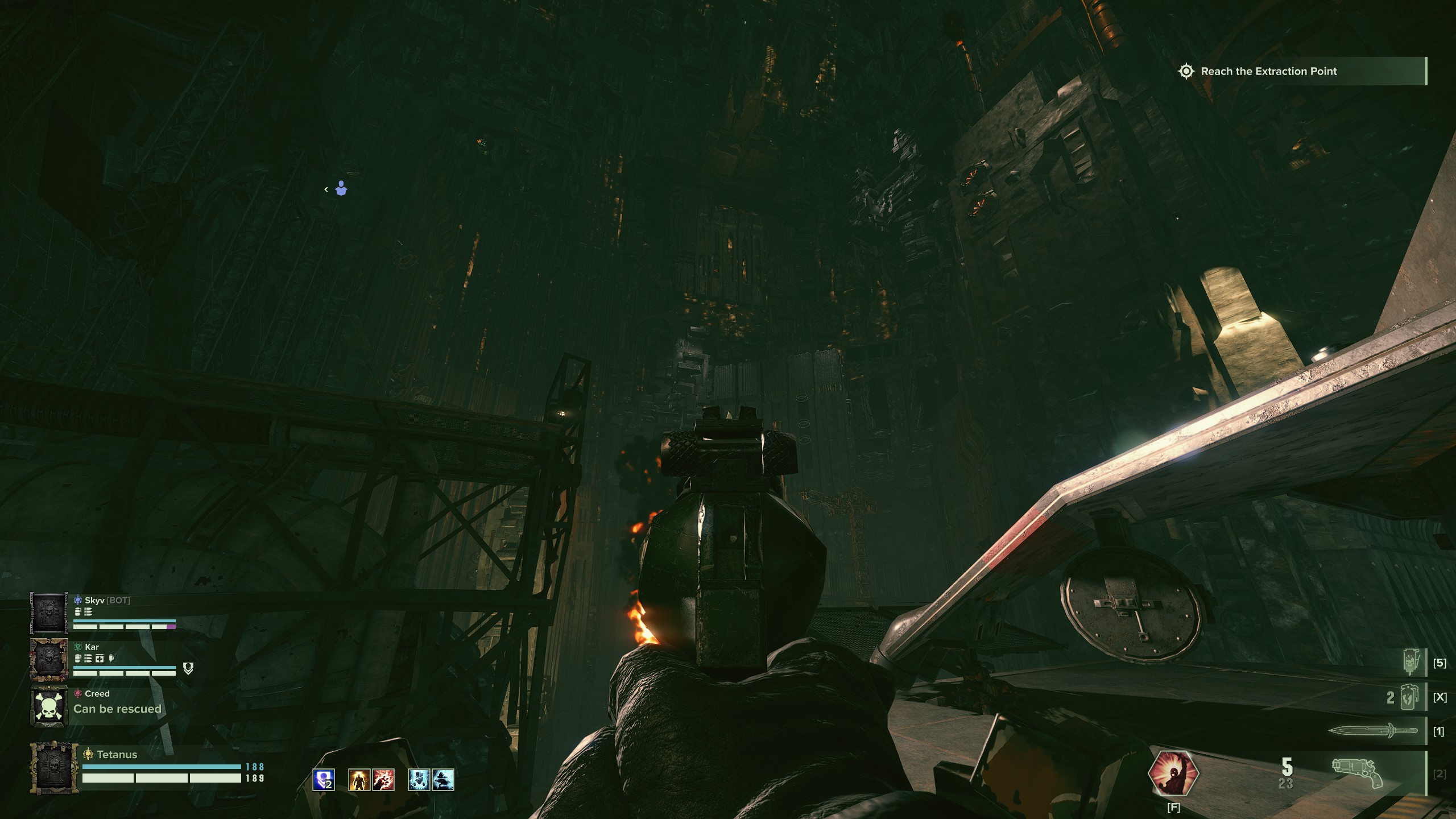
This is a more detailed followup to my previous post on this issue:
My mesh LOD setting is at 2, as default for high graphics preset.
Changing mesh LOD above 2 (for example, 2.2) didn’t change anything for me.
None of the mods I use should change how mesh streaming works in the game.
Some maps, like Mercantile, have certain areas completely not rendered.
I’ve heard a friend of mine had issues like this for his linux system and was fixed by kernel update, but I’m already on the newest version of CachyOS for linux.
Weirdly enough, Mercantile seemed to not run into render issues in lights out.
My weapons consistently render at low polygon, even though textures are correctly applied.
This happens regardless of map, and only seems to not happen for meat grinder.
Worth noting, this seems to only apply later in a map and doesn’t show at the start.
Steps to Reproduce (Required):
Be on CachyOS, linux.
Load into Mercantile map (not lights out).
See stairs not render at all.
Load into any map that’s not meat grinder.
Go through the mission as normal, and see weapon render become low polygon.
I’ve tried this and, although it fixed the LoD issue, I noticed some huge performance issues compared to when it’s set to false. Am I the only one having this downside?
Most of the time the game ran smooth above 110 fps, however, setting this to true makes my fps drop below 70 most of the time.
didn’t find settings_common.ini in the directory, somehow
but the line of “mesh_streamer_settings = {” is in the user_settings file
gonna try if it works and doesn’t botch my framerate
I have run into this issue as well, and would note that it isn’t always present. It seems like the game defaults to the lowest quality mesh available at random after playing a map or two. I see it pop up often in the Valkyrie loading screen.
If the issue doesn’t happen in Windows, its probably worth reporting on the official Github repository for Proton ( GitHub · Where software is built ).
I fixed this issue by going into user settings config file and adding “disable = true” to mesh streamer settings. Only downside so far is that cosmetics take way longer to load, but it hasn’t had this issue again.