Hey all!
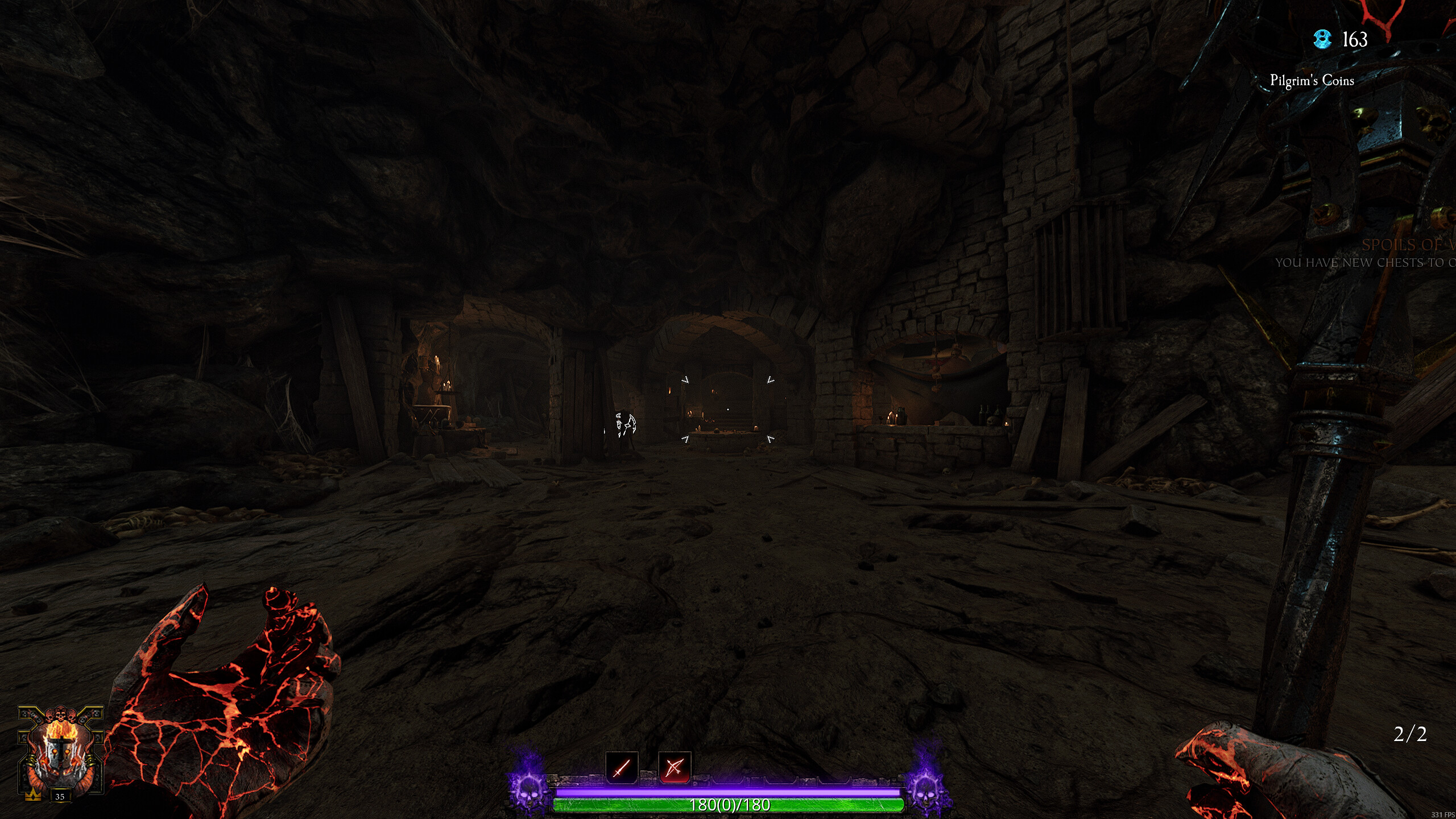
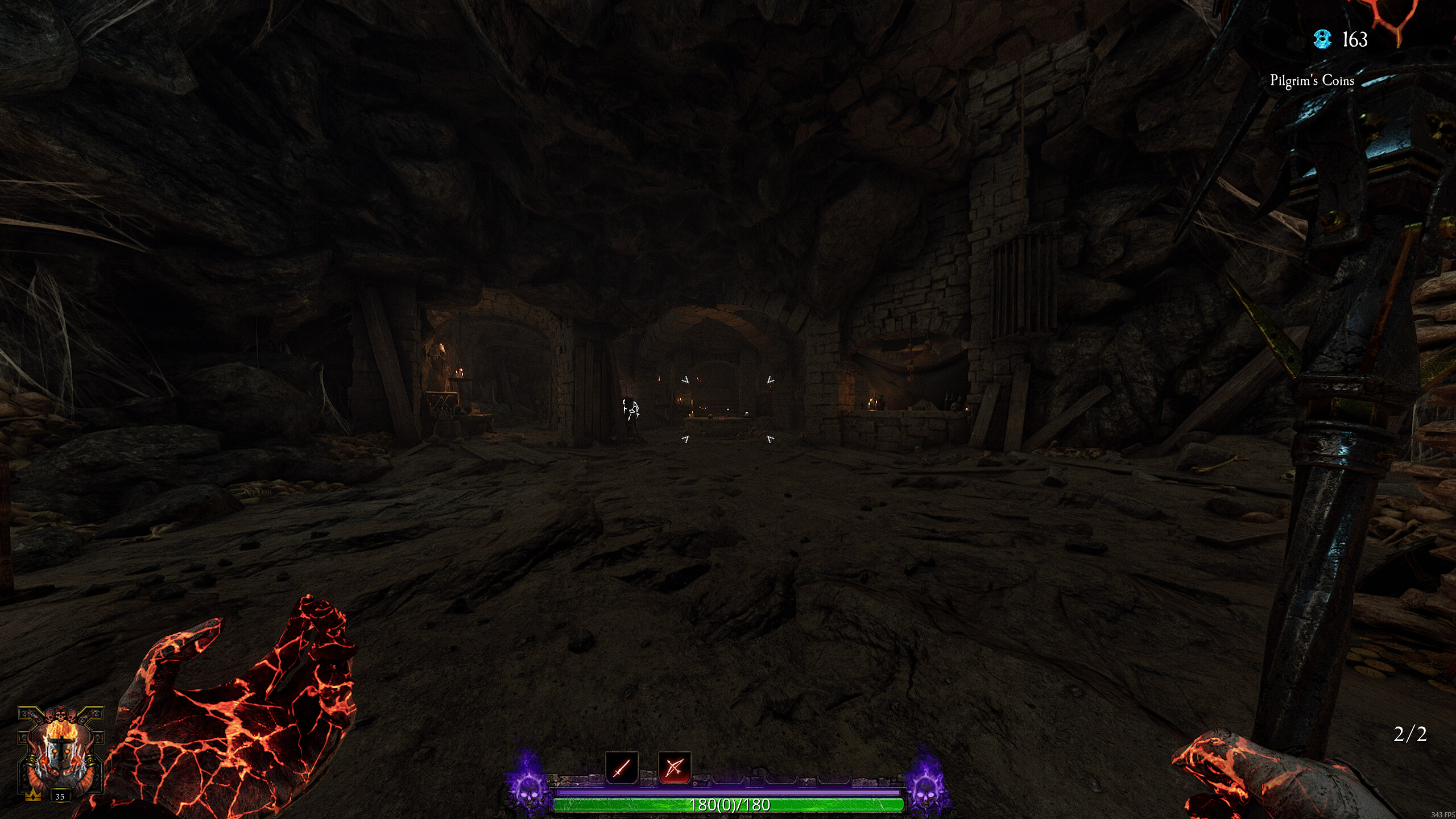
We’re aware of a current issue affecting the Steam overlay FPS counter, which is causing it to display incorrect FPS values, and appear as though FPS is much higher or uncapped etc.
Please be assured that your in-game settings should be applying correctly in regards to framerate caps, and we suspect this is a visual issue with Steam overlay. If you can switch to an alternate gaming overlay/FPS counter this should display things correctly.
We’re currently investigating the issue, and whether a fix is needed on our end, or if a fix to the Steam overlay is needed by Steam.
Existing posts will be merged here, and any updates will be posted when we have further information to share!
Apologies for the inconvenience in the meantime.
Issue Type (Required):
Other
Issue Description (Required):
Since last steam update the new FPS counter shows doubled FPS. Instead of locked144 I see 290.
Its only happening in this game. Other steam-games show correct numbers.
[PC] Do You Use Mods? (Optional):
Yes, and I’ve tried disabling them
Reproduction Rate (Required):
Constant (100%)
Platform (Required):
Steam (PC)
Issue Type (Required):
Visual
Issue Description (Required):
I had stopped playing this game for months and after returning I encountered this weird game engine bug.
There’s not frame limiter in game settings. It vanished for me. And the game currently ignores the driver level frame limiter and goes above the fps target. Reflex doesn’t work as intended either.
This bug causes the game to render at excessive frame rate beyond my monitor target.
Fullscreen nor borderless window have the option. It’s 100% gone.
If you select a framerate cap in reflex to a lower value, it kinda does limit it, but steam still reports more FPS than normal and the GPU is still being stressed in a weird way (fans are noisier than in any other game).
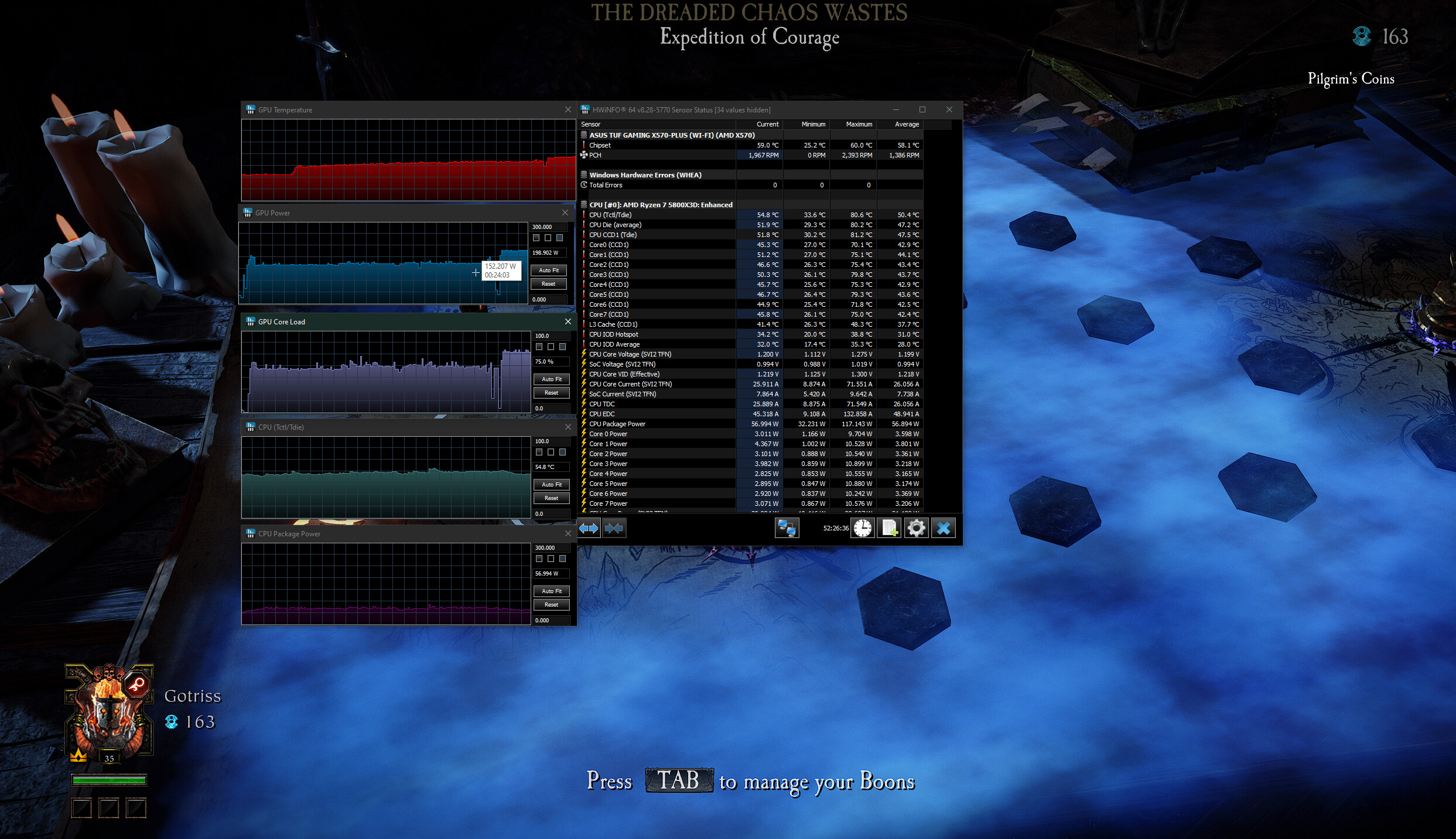
This bug causes excess electricity to be used. Most noticeable in chaos wastes overview map. Going from 150W on the lobby to 200W in chaos wastes overview map, back to 160-170W when in the mission…see screenshot. That doesn’t make sense, it’s just a map with a bunch of fog.
I’m using Reshade for a better sharpening filter HOWEVER this never broke any frame limiters or any graphics option so I doubt I need to disable this for the limiter to work.
There’s a lot of reports on reddit:
https://www.reddit.com/r/Vermintide/comments/1lpvc8g/forced_on_frame_generation_since_patch/
Steps to Reproduce (Required):
Just open the game and try to cap the framerate. There’s no option for it. Nor does anything works at limiting the frames.
[PC] Do You Use Mods? (Optional):
Yes, but I haven’t tried disabling them
Reproduction Rate (Required):
Constant (100%)
Platform (Required):
PC - Steam
Upload Supporting Evidence (Optional):
Hey, I just came across this issue. Steam is reporting 178fps while AMD overlay reports around 80. I’m assuming Steam is still broken?
Indeed it is  I’ll give this issue a nudge internally, thanks!