Not expecting the professional FS team to implement anything as sophisticated as this, but I wondered if one of the amateur modders had built a tree export function so you can import it in to (eg) DarkLantern?
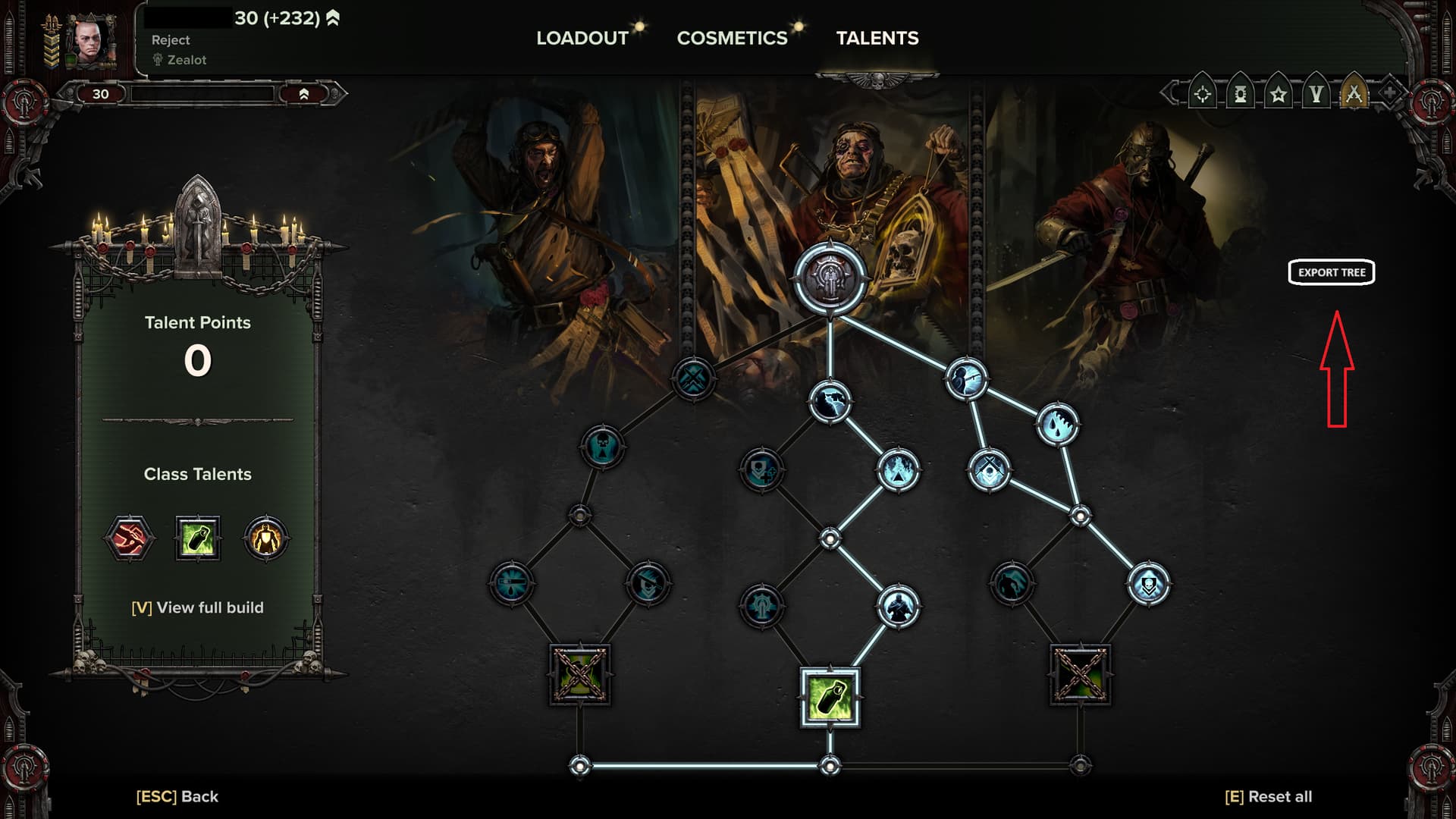
Nothing for darklantern IIRC, but there’s a mod that allows you to create a skill tree code and paste it in - though it hasn’t been updated since november of last year.
1 Like
Lazy bastard 
Hah 
Not at all. I just find the whole screenshotting thing a bit annoying when discussing builds. That janky copy and paste in to paint?
And then people talk about abilities, or worse use abbreviations like “SC”, and I for one then have to go look up a talent tree on Dark Lantern and try and find what the hell they’re talking about as the screenshots don’t have skill hover-over descriptions!
Being able to just export and import your build from a json file would be great; get around that limit of 5 builds. AND I find when I change something, I can never remember what I had exactly before … 
In VT2 and old DT it was pretty easy; 1-2-2-3-1-2 or something and everyone knew what that meant. Not so easy in these new trees.
Just an idea for a QoL mod.
2 Likes
Thank you. Looks like this mod still works! You don’t have to type in to the chat box as per the instructions, you can just click on a button. Shame you can’t import to DarkLantern but it’s still good for archiving your builds.
Thats the worst thing for me. My memory is and has always been a sieve like entity. I forget names and marks of weapons, blessings, skill tree nodes etc etc
2 Likes
Oh don’t get me started on the different marks. I have a copious amount of hours on Darktide and I still don’t know what the vast majority of marks are called. People ask me me things like “is that the MKVIXIV-XI devil’s claw or the MKXXIXXVII?” like I’m supposed to remember.
2 Likes

3 Likes
Just make a copy of your loadout.
Then you can mess around with it, and you still have the copy.
(Or mess with the copy and keep the original. What ever bloats your goat.)
- Select loadout X.
- Ceate a new loadout.
- New loadout is now a copy of loadout X.
1 Like
Valid.
This topic was automatically closed 7 days after the last reply. New replies are no longer allowed.