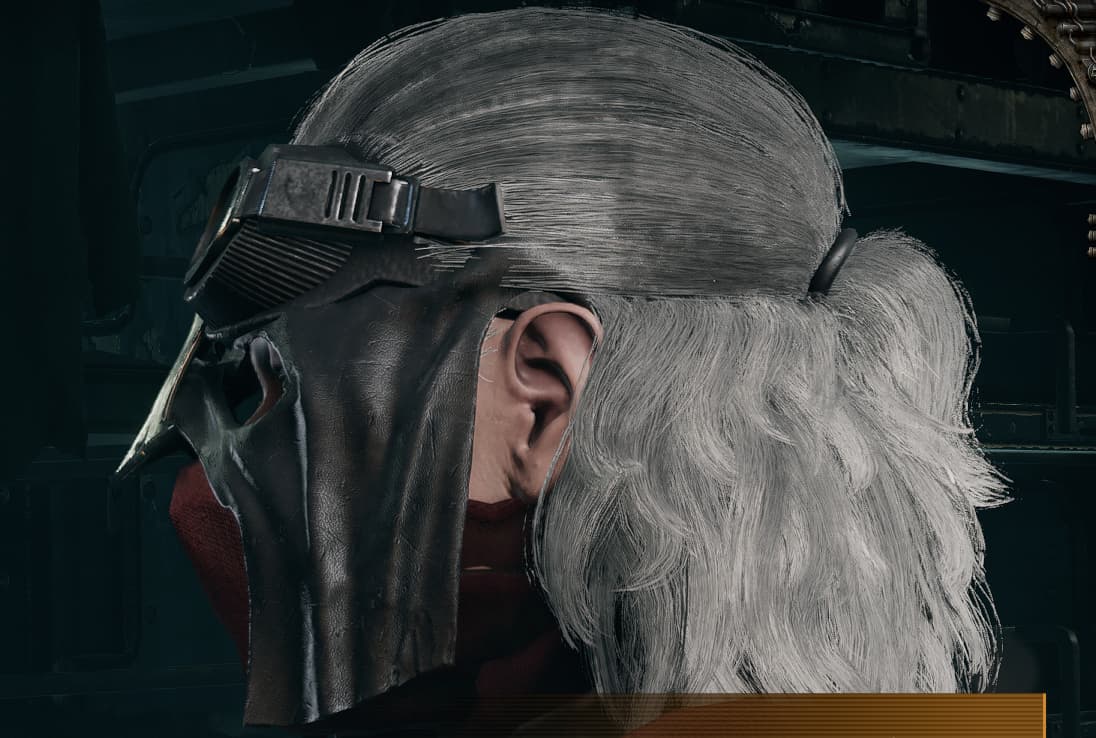
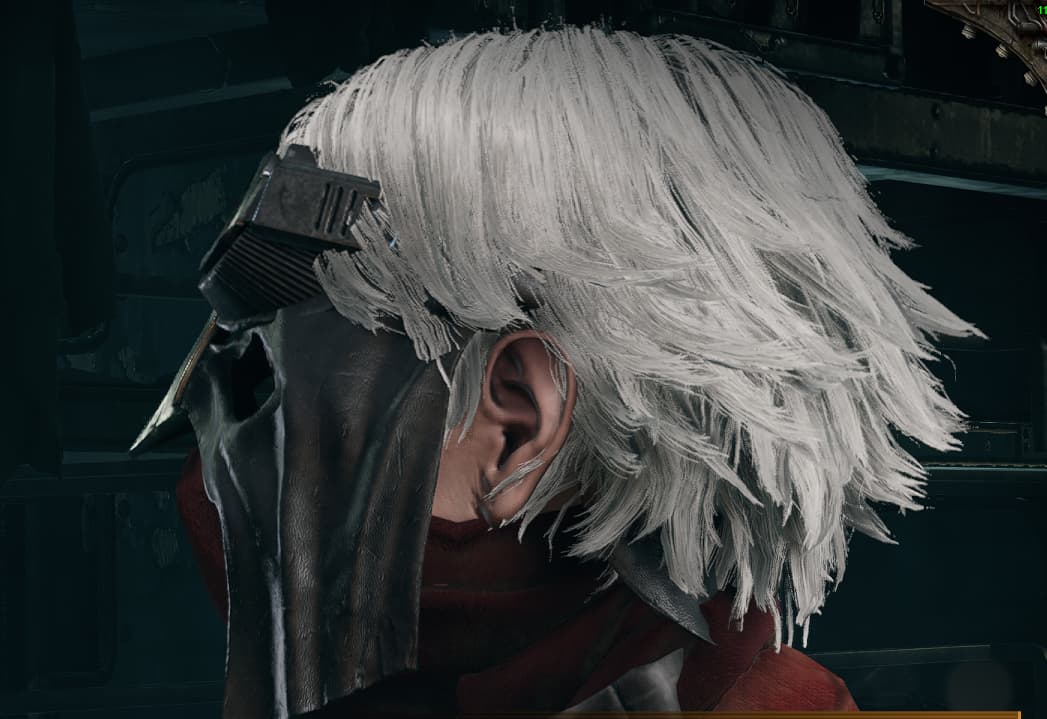
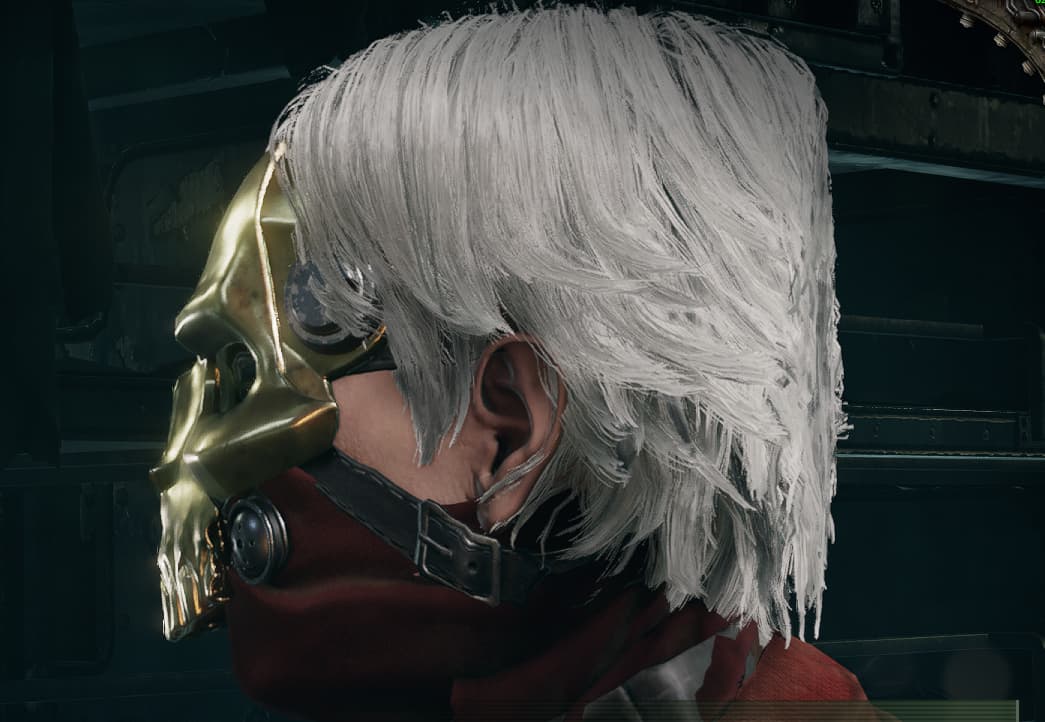
I have seen others with this skin and they looked normal. Any info is much appreciated.

Thank you for your report but we need more info.
When did you notice this? Or is it all the time? Is this on Steam or Microsoft/gamepass? Which face did you pick for your Zealot?
Please provide your steam id or microsoft gametag.
Please provide your launcher log file, as well as a console log from a session where this happened. You may find these by doing the following:
Upload Console Log:
- Press the Windows key + R
- Enter %appdata% within the search input and select ‘OK’
- Navigate to AppData\Roaming\Fatshark\Darktide\console_logs
- Locate the console log that corresponds with the session in which the issue occurred, by looking at the timestamps in the log names
- Upload here
Upload darktide_launcher.log:
- Press the Windows key + R
- Enter %appdata% within the search input and select ‘OK’
- Navigate to AppData\Roaming\Fatshark\Darktide
- Locate the darktide_launcher.log in this directory
- Upload here
Hello. Thank you very much for answering this quickly.
I noticed this from day one, i think i bought the skin on release date (30.11.22).
I am playing on steam. The face i picked is first in the last row (tried changing faces to see if it will work, its the same).
Steam id is /76561198046780940/
User name Forgotten Hermit
console-2022-11-30-08.33.08-74f0458d-fa2e-4318-bfbf-8dc3de4c20db.log (16.4 KB)
darktide_launcher.log (190.9 KB)
Sorry for lack of info, first time posting on any forum.
Thanks for replying and have a great day.
Hello again. Just wanted to let you know that the latest patch fixed this. Thanks and keep up the good work. Happy holidays and all the best to you and your family in new year.