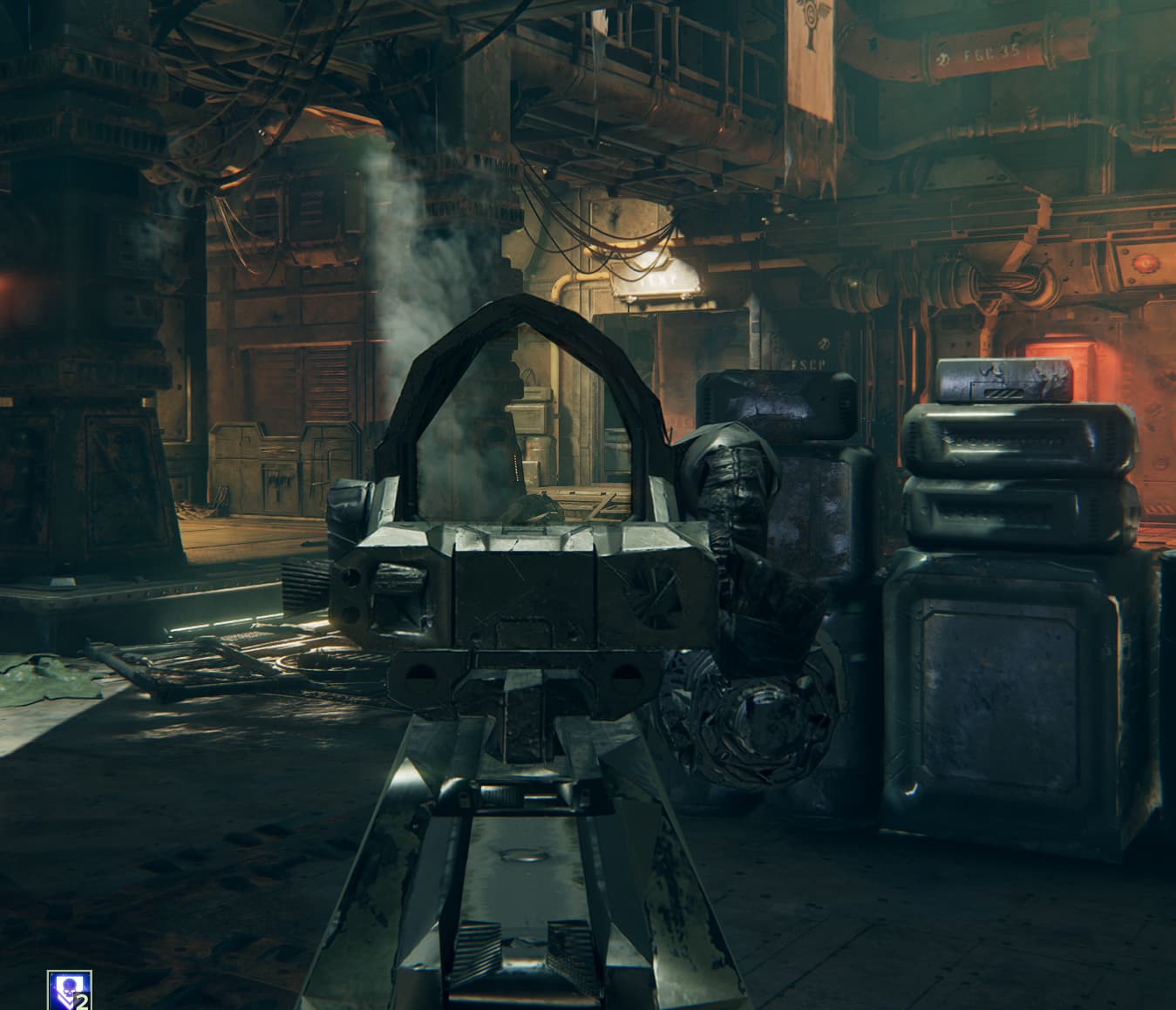
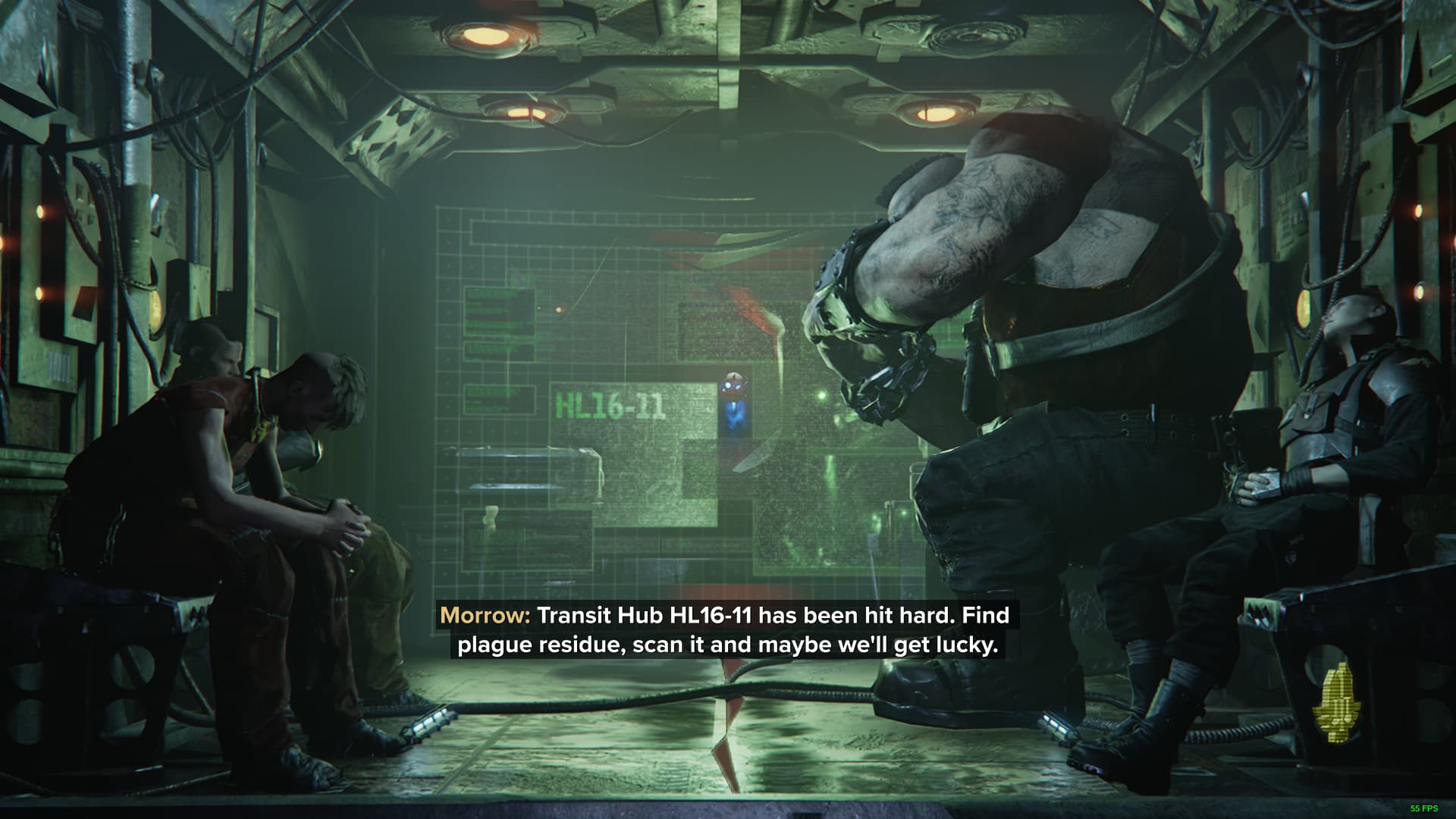
Issue Description: No reticle when aiming down sight of lasrifles. It worked in the training area (psykhanium or whatever I can’t spell). But not in the prologue and not in missions after.
Steps to Reproduce:
[Please add the steps that can help our QA department in reproducing the issue. For example:]
Play Chasm Logistratum as Ogryn (Skullbreaker)
Navigate to the medical station before Burnside
Crouch-slide into the dumpster next to the blue and white Tertium sign
Get stuck
Mission Name (If Applicable):
Platform:
steam
Player ID:
Approx. Time of Issue & Timezone:
[MM/DD/YYYY, 00:00AM/PM] [TIMEZONE]
Reproduction Rate:
Once - Rare (<10%) - Unusual (<25%) - Common (<50%) - Often (<75%) - Constant (100%)
Upload Supporting Evidence:
[Screenshots, recordings, links to Twitch VODs, etc.]
Upload Console Log:
Press the Windows key + R
Enter %appdata% within the search input and select ‘OK’
Navigate to AppData\Roaming\Fatshark\Darktide\console_logs
Locate the console log that corresponds with the session in which the issue occurred, by looking at the timestamps in the log names
Upload here
Upload user_settings.config:
Press the Windows key + R
Enter %appdata% within the search input and select ‘OK’
This is the same problem as was present in the last beta. Lasgun reticle is 100% missing 100% of the time. It also appears to be an issue with the laspistol. Lasgun textures/mesh are mangled looking, chunks missing, etc. Also still seeing issues with various parts of the Morningstar - railings in the mission terminal area are twisted and warped, floor parts clipping through others (as if two different floor tiles were stacked on top of each other), beards also have chunks missing in game, but not on character select. I’ve also seen a new issue that seems similar - background (the map I assume) is visible through the dropship loading sequence after a few seconds (presumably after the map loads for me), as if the dropship was partially transparent.
EDIT: I have found a fix for some of the issues, but it appears not all. It does however appear to fix the lasgun reticle issue itself as well as the textures/meshes on the lasgun, as well as beards. It did not however fix the issues with the railings in the mission terminal area, or that of the floor tiles, though from what I remember, the floor looks better now than before - it’s not flickering as well.
As follows:
I simply shut the game down and cleared the DX11 shader cache. Be careful what you have selected when you do this of course, as you can clear out other things in addition to the shader cache. Fix has persisted across multiple game restarts.
How to Clear the DirectX Shader Cache
-Type cleanup in the Windows search box and select Disk Cleanup from the best match.
-Select the C drive from the drop-down menu and click on OK.
-In the Disk Cleanup window, tick the checkbox next to DirectX Shader Cache and click on OK. (DESELECT ANYTHING YOU DON’T WANT CLEARED FIRST)
-Click on Delete Files to execute the process.
For visibility: I edited my post above with a fix for some of the issues I’m seeing, and this one in particular.
EDIT: The DX11 cache clear only fixes it temporarily. Play a mission and it’s back to broken across the board.
EDIT 2: Bit of clarity - Cache clear works when I connect after and go to psykanium, breaks when going into missions. The full beard on my Ogryn looks fine on the character screen and for the last few seconds before mission launch, after everyone is readied up. Before ready up and at any other time in-game, there’s a huge chunk of beard missing from the chin. Definitely some weirdness, seems to me to be directx related somehow - did anyone clear then check psykanium, or only go into missions? It’s not a real fix obviously, but I’m curious if anyone can get it to work in the psykanium, as I have.
Also have this exact same problem. Also had it in the closed beta. The Reticle appears in the Psykanium but never in a mission. All other rendered objects look very low-detail regardless of any changes to graphics settings. Running on Nvidia Geforce RTX 3050, AMD Ryzen 5 5600x processor and 32gb of RAM.
Did a clean reinstall of my graphics drivers and verified integrity of game cache, and then deleted DX shader cache and the problem still persists.
Not a lasgun only problem, it’s a mesh problem mayhaps? I have gotten it on every gun I have tested so far. And playing sharpshooter with no reticles is a tad pain =D
Anyways here be them logs, and some screenshots!
I brought this point up as a possibility in the previous beta thread for this issue, as it did appear that only Ryzen users were experiencing it. Older Ryzen CPU’s also were reported with the issue as well in that thread. I’ve yet to see any Intel CPU’s reporting it, though that’s not to say it hasn’t happened.
Interestingly, however - my brother and sister-in-law both have almost identical rigs to mine, and do not have any issues at all in either the previous beta or this one. My rig only differs from my brothers rig in the SSD, and sister-in-laws PC has a different brand of 3090, but otherwise is identical to his. So it does not appear to affect everyone with a Ryzen CPU if there is any correlation to the issue at hand.
I’ve played a few games today, and have had no issues with the crosshair on the lasgun in either the psykanium or matches. Possibly fixed, as stated in the patch notes from today. However, a great number of guns and graphical assets are still showing up with wildly mangled visuals, missing textures, etc. Nothing new I’ve noticed, just the same stuff as before.
I have the same issue. Reticle seems fixed and the gun isn’t quite as weird as it was in the beta but the environment mesh bugs with missing walls, simplified/distorted geometry, etc are all still present in the same ways and the same places. 5800X CPU and 6800XT GPU.
I’l be making a separate post for this as well, but it appears as though mesh streaming isn’t working for ryzen 5000 series.
you can disable it by going to “steamapps\common\Warhammer 40,000 DARKTIDE\bundle\application_settings\settings_common.ini”, within the ini file you can find “mesh_streamer_settings” and set disable to true, your game should look normal when you do that.
I noticed loading times became longer though, and there was some hitching sometimes. No idea what other performance implications it will have.